


Yes, it started with typing passwords. Since that time, the Refugee Women’s Digital Literacy class has blazed ahead! Here’s the skills students have learned as we have piloted several different digital literacy units for limited English speakers:
Typing Lessons: After having so many problems with students searching for letters on the keyboard, our main teacher decided to try out typing lessons using TypingClub.com. The first time typing practice was introduced, students were mesmerized. “Please, I don’t want to stop,” said one Afghan woman as we tried to move to the next part of the lesson. On that particular day, students typed for 30 minutes straight. This has definitely improved the women’s ability to find letters on the keyboard. Plus, they just love it. One Afghan mom brought her son to class, and when we started the typing practice segment, she turned to him and said, “See, these are mommy games.” Everyone in the class laughed in agreement.
Lesson learned: Start with typing lessons next round of level 1.
Spreadsheets: Turns out, learning spreadsheet formulas isn’t as hard as it might seem. After an introductory lesson on spreadsheet vocabulary and usage, students jumped in to creating a financial spreadsheet for a candy store. Our students caught on very quickly, especially the one who graduated with a degree in Economics. “This is very good, very good,” was the general concensus. Throughout this unit, students practiced copying and pasting values and formulas.
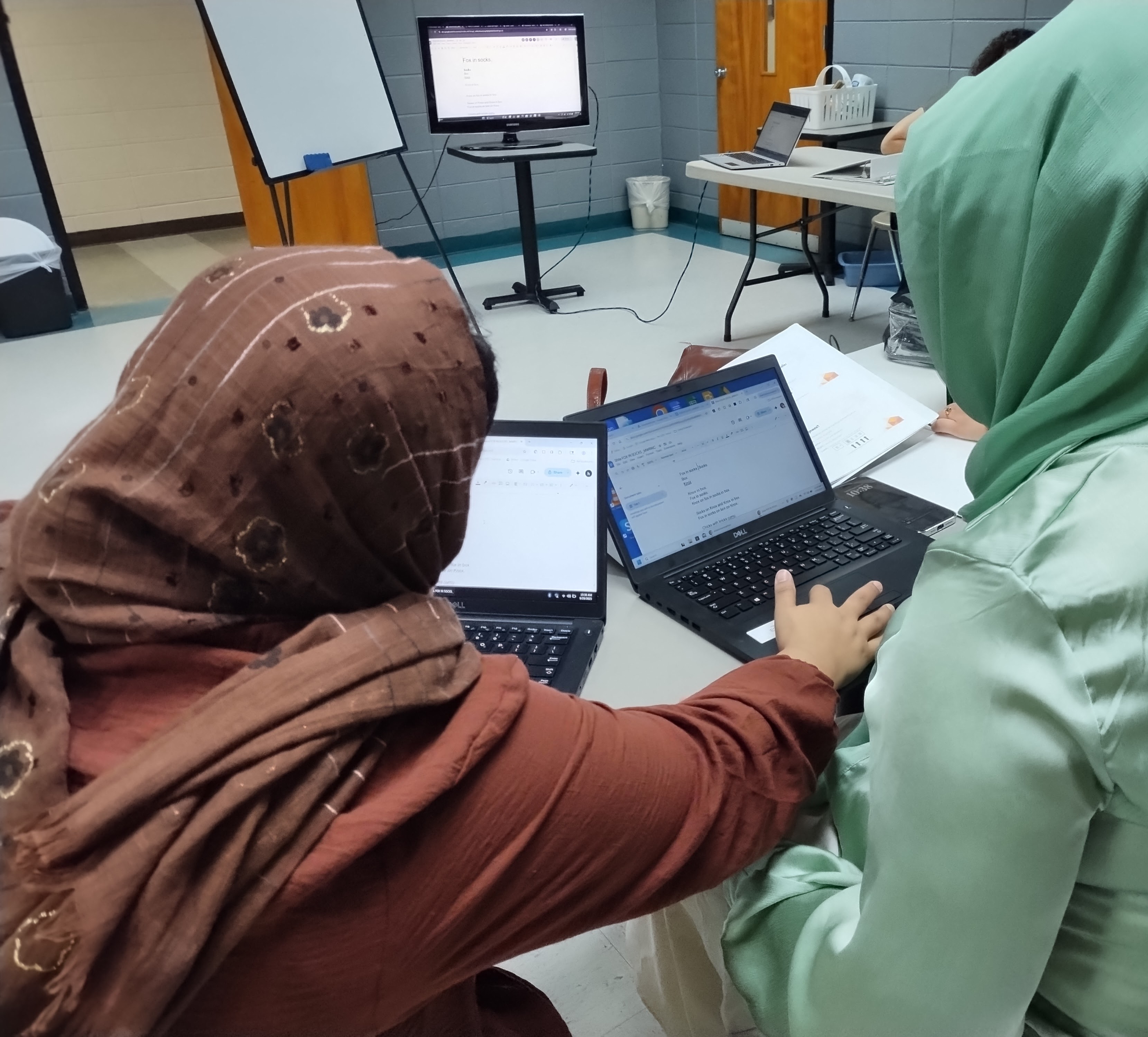
Shared Google Docs: For the introduction to Google Docs, we decided to create a shared Google Doc in which students could type their contributions to a fictional party. Chaos and laughter ensued as students found themselves writing over each other’s entries. But the fun didn’t stop there as we then jumped in to working on a resume template. This was more challenging. Still, it was empowering for women to learn how to format a document and make it their own. And now, several women have professional looking resumes (thanks, Google!) to hand out as they apply for jobs.
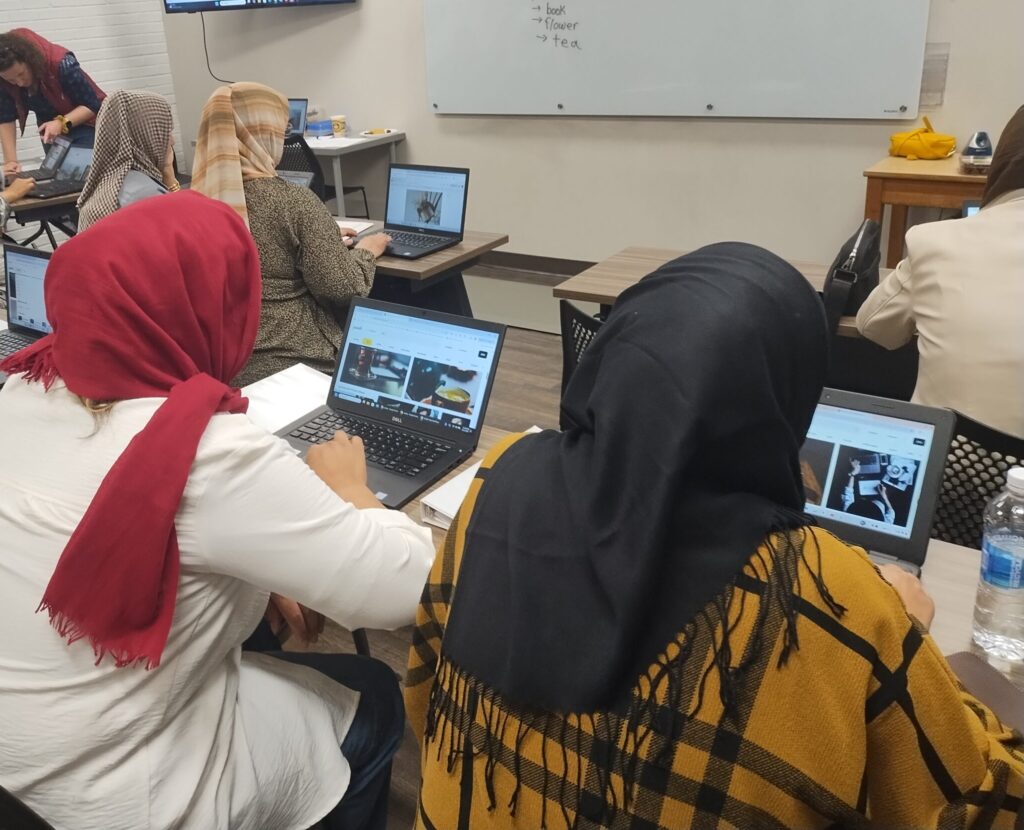
Google Forms: Make a survey, share a survey. This was a fun unit as students learned to insert a picture into a Google Form and then ask a question about it. Students asked questions about clothing styles, food options, decorating ideas and party planning. The group survey was then sent out to Project 658 staff so they could share their opinions on these questions. One question in particular received only affirmative answers: “Do you like this baby? Yes or no.” What can one say to such a question, but yes!
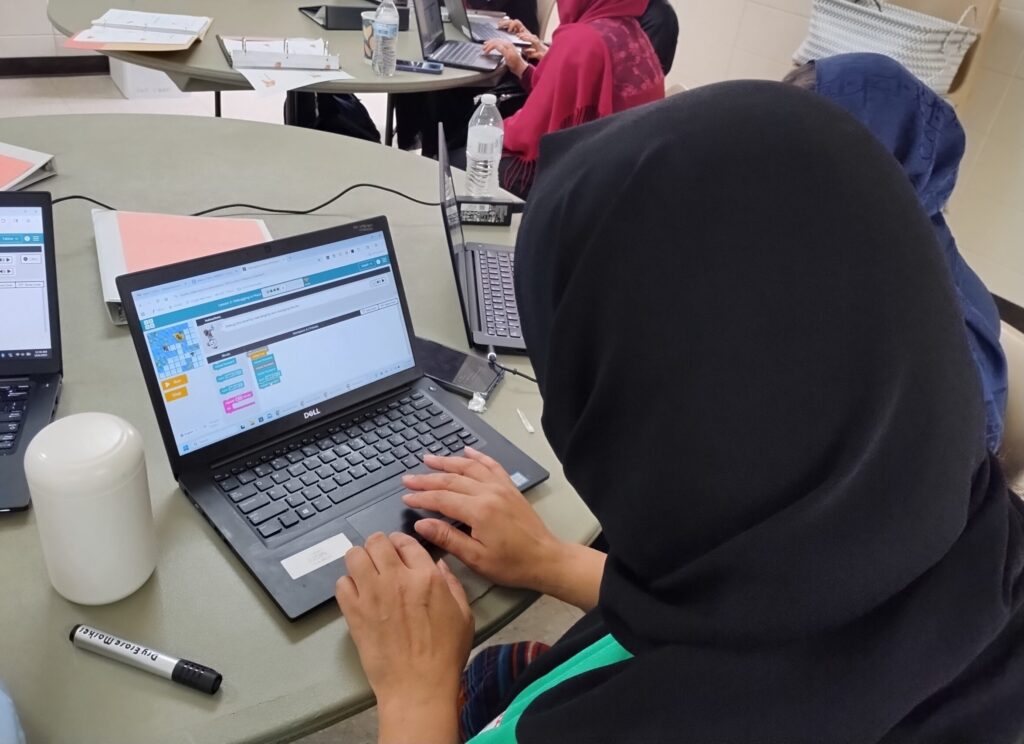
Code.org: As we’ve transitioned into Level 2 classes, we’ve been introducing lessons from Code.org’s beginning programming series. The first few classes have involved using simple commands to help Scrat navigate ice blocks and get the acorn without falling into the water. This involves logical thinking, and step by step processing that was initially hard to master. “I hate hearing Scrat make those screaming/laughing sounds,” one student complained as her program code led the prehistoric squirrel to once again fall into the water. “This is hard!” another said in frustration. But then, suddenly the light bulbs came on and students began to use the step function to go line by line and get Scrat successfully through the puzzle. Yay! This may not be “real” programming, but it is building the foundation for further study inte future.